
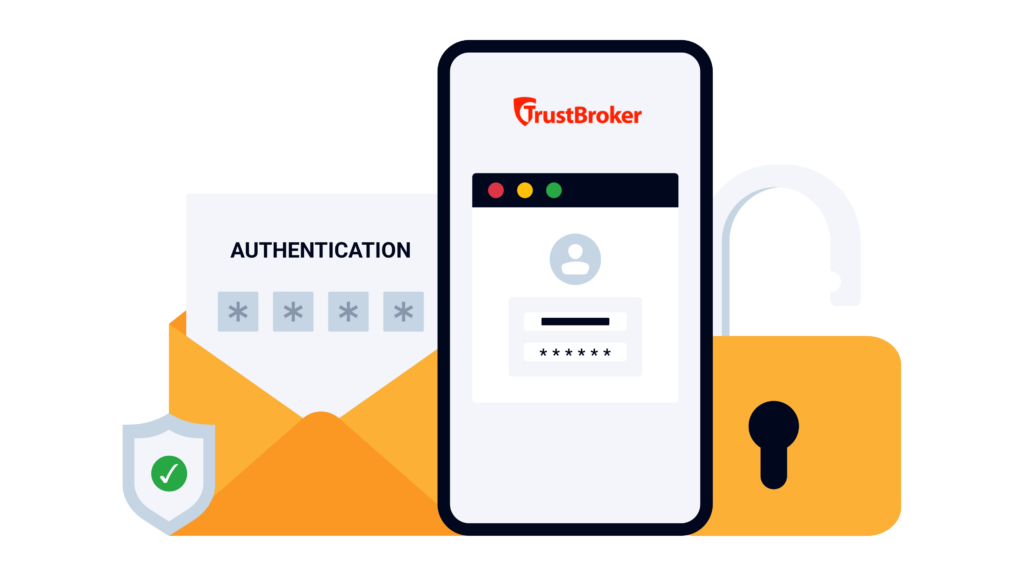


SSO with context-aware, risk-based strong authentication for SAP systems
Intelligent authentication: Apply MFA intelligently based on context and risk. Automatically trigger additional verification for high-risk logins or sensitive actions in SAP.
Eliminate password-based risks: Protect your SAP systems from phishing attacks and password sharing risks with MFA.
Protect administrator access: Privileged actions are protected with MFA. Prevent hackers from gaining elevated privileges to penetrate the SAP systems.
- Seamless user experience: Users benefit from increased productivity with single sign-on, and MFA will be enforced only when needed
Protecting 8,000+ SAP production systems globally
“SecurityBridge helped us automate our SAP application monitoring and vulnerability by easily integrating with our SIEM platform. By doing this, we boosted security, lowered costs, and allowed our security team to focus on remediation,”
Thierry Eyraud, Digital Risk Leader

"With my extensive experience in SAP, it's clear that SecurityBridge fills the critical security voids that SAP can't address alone."
Jaromir Wróblewski, Group IT Infrastructure Manager

“We selected SecurityBridge as the platform with the largest functional scope and seamless integration within the SAP technology stack.”
Stéphane Peteytas, Head of SAP Cybersecurity
"With our SAP partner, myBrand Conclusion, and the SecurityBridge Platform, we can structurally manage our risks and improve our SAP Security."
Marianna Pothof van Bekkum, Functional Application Manager

"The SecurityBridge Platform is easy to use, and the great support helps us to run our SAP Security services efficiently, from the audit to remediation and patching all the way down to Threat Detection.”
Mauro Del Quondam, Information Technology

"With SecurityBridge, we can efficiently enforce secure configurations across our large SAP landscape. The Security Roadmap gives our small but specialized team guidance and helps responding to critical SAP vulnerabilities.”
Daryl Mennen, SAP Security Architect

"SecurityBridge has streamlined our security processes, allowing us to move beyond the traditional ways of working in SAP Security. It provides all the necessary tools, enabling continuous and efficient improvement of our SAP security posture "
Jean-Luc Turin, Identity and Access Governance Director

“The SecurityBridge roadmap was crucial in helping us prioritize SAP system hardening tasks. We were
able to more than double our security level in a very short time and reduce patching efforts.”
Jonas Grein, CIM System

“Our multi-channel concept places high demands on the availability and security of our SAP system. With
SecurityBridge, we were able to significantly reduce our efforts in this regard.”
Daniel Schlund, Head of IT

"We have gained the needed visibility to identify business relevant cybersecurity threats, harden the SAP
landscape and respond immediately to zero-day and other critical SAP cybersecurity events.”
Dragomir Vatkov, Director Cyber Security Architecture

"After the RFP, we scored each vendor. When we finished with the process, UCB Biopharma found that it was a unanimous score from everyone towards SecurityBridge in most of these areas"
Abhijeet Pathania, Global ERP Access Management and GRC Lead, UCB Biopharma.

“With SecurityBridge, you have many topics predefined, so you get the benefits directly. You have best practices from the market built in and don’t have to configure everything by yourself or rely on experts who know the tool. If you know the SAP ecosystem and the ERP world, you can get started quickly and get a fast overview through the dashboard.”
Dennis Kaps, Executive security expert, Deutsche Telekom

"The advantage of SecurityBridge is that it provides a pre-packaged security policy that can be tailored to the client's needs, and all the tools needed to generate results are immediately operational."
- Jérôme Decamps, SAP Security Officer at Decathlon Digital
How it works
Policy-Based Authentication
TrustBroker has authentication policies stored on each SAP system, unique to each SAP system, and customized by your administrator to meet your SAP user authentication needs. The policy is used to determine the most appropriate method of authentication when a user performs an action. An action could, for example, be a user logging into the system, running a transaction, approving a bank payment, electronically signing a document, or accessing a specific field on a Dynpro screen. You can also decide when the policy check is performed.
Step-Up Authentication for Sensitive Actions
Not all high-risk scenarios occur at the initial user login. Step-up authentication adds an extra layer of security after the user has logged in to an SAP application. For example, a user might log in using single sign-on (SSO) and then attempt to run a sensitive transaction or view confidential data (for example, opening payroll records or performing a critical administrative change). TrustBroker will perform a policy check and determine if the risk of the action is sufficient to re-authenticate using a stronger authentication method. This is referred to as step-up authentication because the risk check has determined that SSO is not sufficient to verify the user’s identity when the action is performed. This targeted approach verifies the user’s identity only when it matters most – accessing the “crown jewels”, using administrative permissions, or performing high-impact changes.
Contextual, Risk-Based Checks
What makes TrustBroker especially powerful, when it is combined with the SecurityBridge Platform, is the context-aware MFA enforcement. TrustBroker continuously performs a policy check when the user performs an action, to evaluate the user’s behavior. This behavior check examines factors such as time of access, device or location, and user activity history. If something seems out of the ordinary or high-risk, then TrustBroker will automatically step-up the authentication and enforce MFA, which must be successful before the action can be performed. These context-aware checks ensure that MFA is enforced exactly when needed, providing a dynamic defense that adapts to each situation. During normal, low-risk activity, users aren’t bothered with extra steps, but at the first sign of anomaly, the system responds with heightened security.
Seamless SSO Integration for Usability
The TrustBroker product delivers seamless security with minimal friction. Users authenticate once using Microsoft Active Directory, and access SAP systems through secure single sign-on. The product integrates natively with your infrastructure, is SAP –certified, and approved for RISE with SAP, making deployment simple and reliable.
Works with your SAP application
and your existing identity providers
No new infrastructure required.
SAP Application Servers
Authentication Servers & Identity Providers
All identity providers support both SSO and MFA
Desktop and Virtual Environments
TrustBroker is Citrix Ready™. Users in Citrix sessions sign on to SAP with the same SSO and MFA flow.

Use cases
Sensitive transaction safeguard
Protect the most critical actions and data within your SAP systems using step-up authentication. For instance, if an SAP finance manager tries to export a large payment file or a HR user opens an executive salary record, TrustBroker can trigger a re-authentication of the user using step-up authentication, so that MFA is enforced before allowing the action to proceed.
Re-authentication after user inactivity
Automatically enforce MFA for accounts that haven’t signed into SAP for a specific number of days. For example, if a user returns to the SAP system after 90 days of inactivity, TrustBroker can enforce MFA on their next login, or when they perform an action after login. This prevents bad actors from exploiting dormant accounts and ensures that the returning user is indeed who they claim to be.
After-hours access
Strengthen security during unusual login times. When users attempt to log into SAP outside of their normal working hours, TrustBroker can enforce MFA. By verifying logins at unusual hours, organizations can detect illegitimate access attempts that often occur when attackers believe they can go undetected.
For privileged system access
When a user is provisioned with elevated access rights, TrustBroker can re-authenticate the user using MFA.
When a different workstation is used
When a user uses a different workstation from their usual one, this can potentially highlight a hacker trying to log in. Here, MFA can be automatically enforced. If the user is not a hacker, they will be able to authenticate using MFA and continue with their work successfully.
MFA-specific GRC business functions users
SecurityBridge performs user behavior analysis, it validates which users have the authorization to execute which reports/transactions, and which of those users also do so regularly. Each user is therefore automatically mapped against a list of business functions (either those defined in SAP GRC or those specified by SecurityBridge). MFA can be triggered for, e.g., all active Finance Controllers.
MFA for users triggering behavior anomalies
Based on SecurityBridge’s anomaly detection, MFA can be triggered if a user shows abnormal behavior or triggers specific security events.
MFA for users triggering security relevant alerts
Customers can configure an authentication policy that determines when to enforce MFA. The policy conditions can be checked using the SecurityBridge platform product, if there are any Threat Detection alerts. Then, for example, if a user uses the debugger to bypass an authorization check and then downloads critical data from the system, MFA can be enforced.
Some of the above use cases are not available in the current release, but are planned for general availability later in 2025.
These SAP Experts use SecurityBridge to harden their SAP systems
Their words, not ours.
“We selected SecurityBridge as the platform most comprehensive in functionality that is completely and seamlessly integrated within the SAP technology stack.”
“SecurityBridge is a true partner, and we count on its platform to alert us to critical vulnerabilities while automating SAP risk management practices.”
“We needed a complete solution that covered all aspects of SAP cybersecurity, is easy to understand, and reasonably priced.”
“SecurityBridge fills the critical security voids that SAP can’t address alone.”